What this page answers
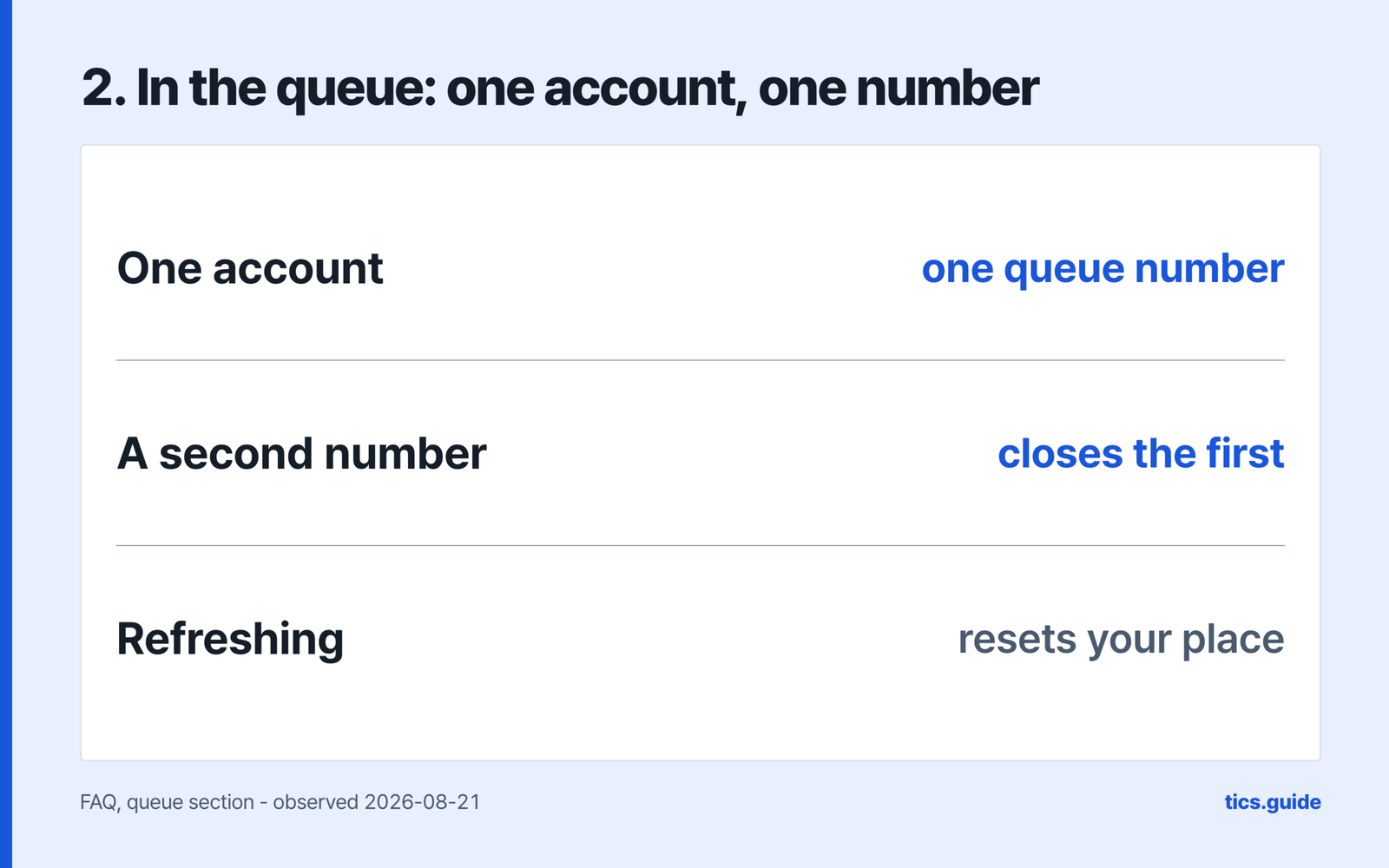
- Can I improve my place in the queue? No. One account gets one queue number, asking for a second from another device closes the first, and refreshing resets your position. The queue
- Do I need to refresh the seat map? No. NOL World rebuilt the reservation system so available seats update in real time without being refreshed — a taken seat disappears on its own, and a cancelled one returns the same way. The queue
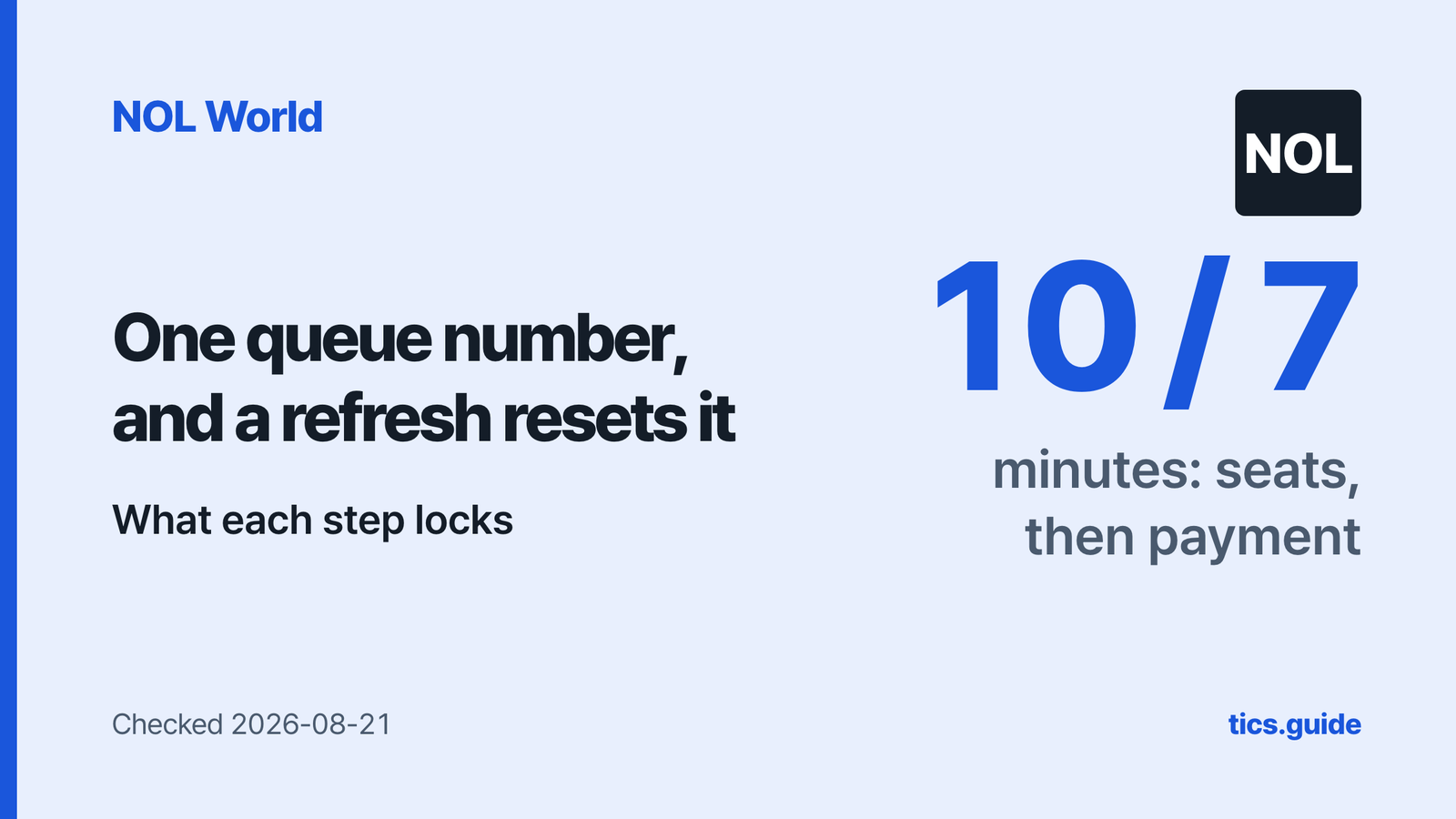
- How long do I get to choose seats and to pay? 10 minutes on the seat map, then a 7-minute hold while you pay. NOL World says the limits vary by event and that some events have none. Ten minutes, then seven
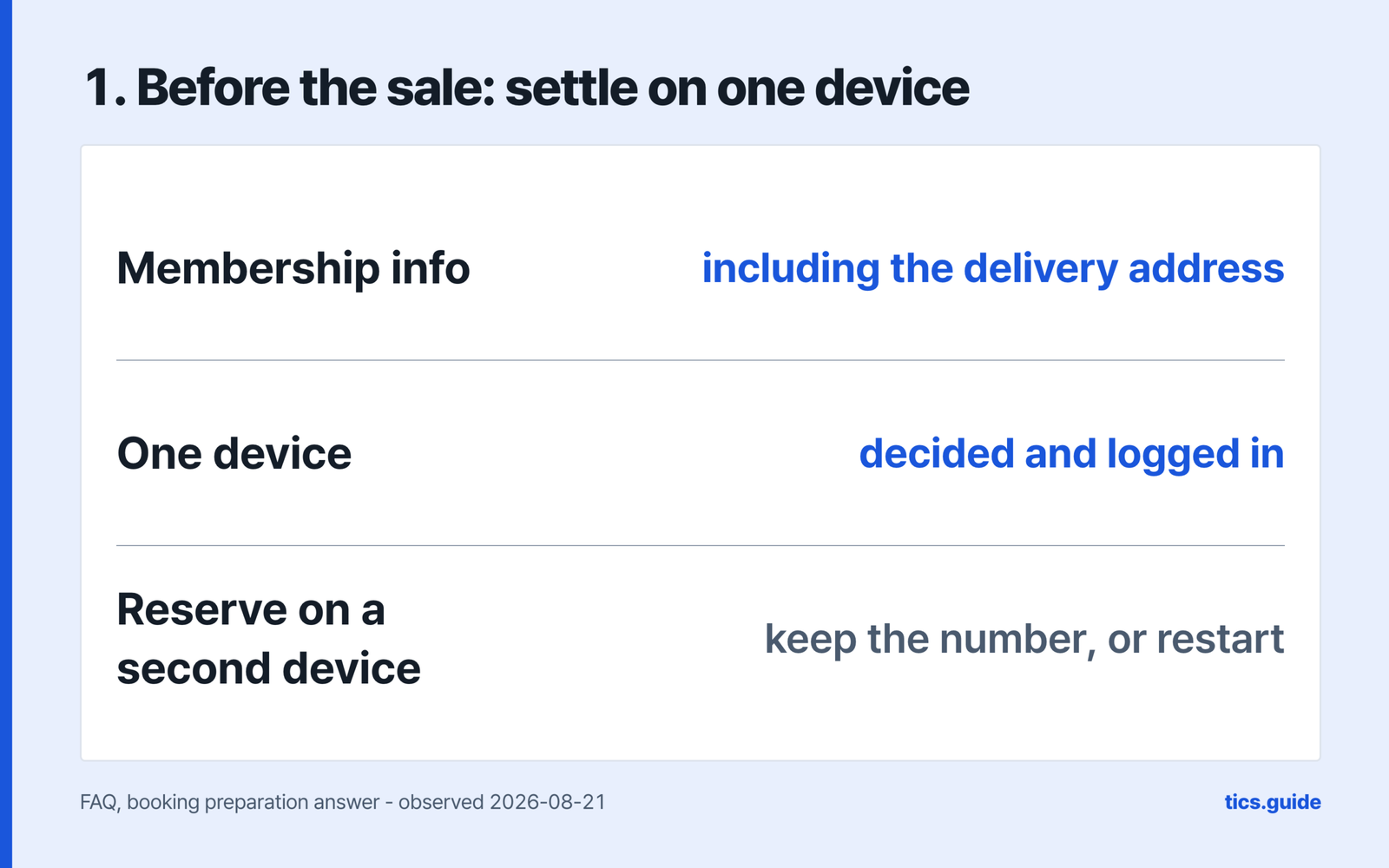
- What should I settle before the sale opens? The device you will book from, logged in beforehand, and your membership information — NOL World names the delivery address as part of what to keep current. Before the queue opens
- I got a waitlist notification while asleep. Is the seat still there? Only within six hours. After that the booking is cancelled and refunded automatically, and the opportunity passes to the next person on the waitlist. After you pay
- Can I change my seat after paying? No. A seat cannot be changed once the reservation completes, and the route NOL World gives is to cancel and rebook – which can carry fees under the show’s own policy. After you pay
This page covers the part of a NOL World booking that runs on a clock: the queue, the two timers after it, and what stops being changeable once you have paid. The account and identity steps come earlier; cancelling comes after.
NOL World sells through two channels only, `world.nol.com/ticket` and its app, and the queue applies to every bookable product.
What is decided before the queue opens
NOL World publishes a preparation list, and two items are worth settling before the sale rather than during it.
The first is the device. Decide which one you will use and log in beforehand, because booking from more than one device per account can restrict the booking. A separate answer adds what happens if you press Reserve on another device — you choose between keeping your number and taking a new one, which means waiting from the end.
The second is your membership information, where NOL World names the delivery address as part of what it asks you to keep current.
Read the event details before the sale for ticket purchase limits and identity verification requirements.
What the queue shows you, and what it withholds
One number per account. A second request closes the first. A refresh sends you back. The number does not guarantee a ticket.
How long the queue actually ran
- Six NOL World app reviewers, between 2025-06 and 2026-06 on the GB, US, AU, MY and TW storefronts, put numbers on the wait: three hours, six, seven with 32,000 ahead, eight, ten to eighteen, and one who says thirty.
- Five describe losing the place rather than the wait: thrown out after those thirty hours, shown access denied on reaching the front, logged out with 2,000 left ahead, and sent back to re-authenticate mid-queue more than once. One was ejected twice – once from a 50,000-something number down to 18,000, then again after restarting at 54,000.
- We were not in any of those queues. The two documents this page opened – the FAQ and the Use Policy, read on 2026-08-21 – set out the queue rules without giving an expected wait, so there is no published figure to set these against.
NOL World rebuilt the reservation system so available seats update in real time without being refreshed. A seat someone else has taken disappears on its own, and a cancelled seat returns the same way. The instruction not to refresh applies to the queue page, where it resets your position. On the seat map there is nothing on the other side of a refresh that would not have arrived anyway.
Two people can still reach the same seat at nearly the same moment; the second gets a pop-up saying it has already been selected.
How much of the map you can see is the organiser’s decision. NOL World says remaining seat information may or may not be provided, and that for high-demand products the displayed figure can lag availability. Where a product shows a sold-out rate, it appears only once 90% or more of all seats have been paid for — a figure that can differ from what is selectable, because it counts tickets paid for.
Ten minutes, then seven
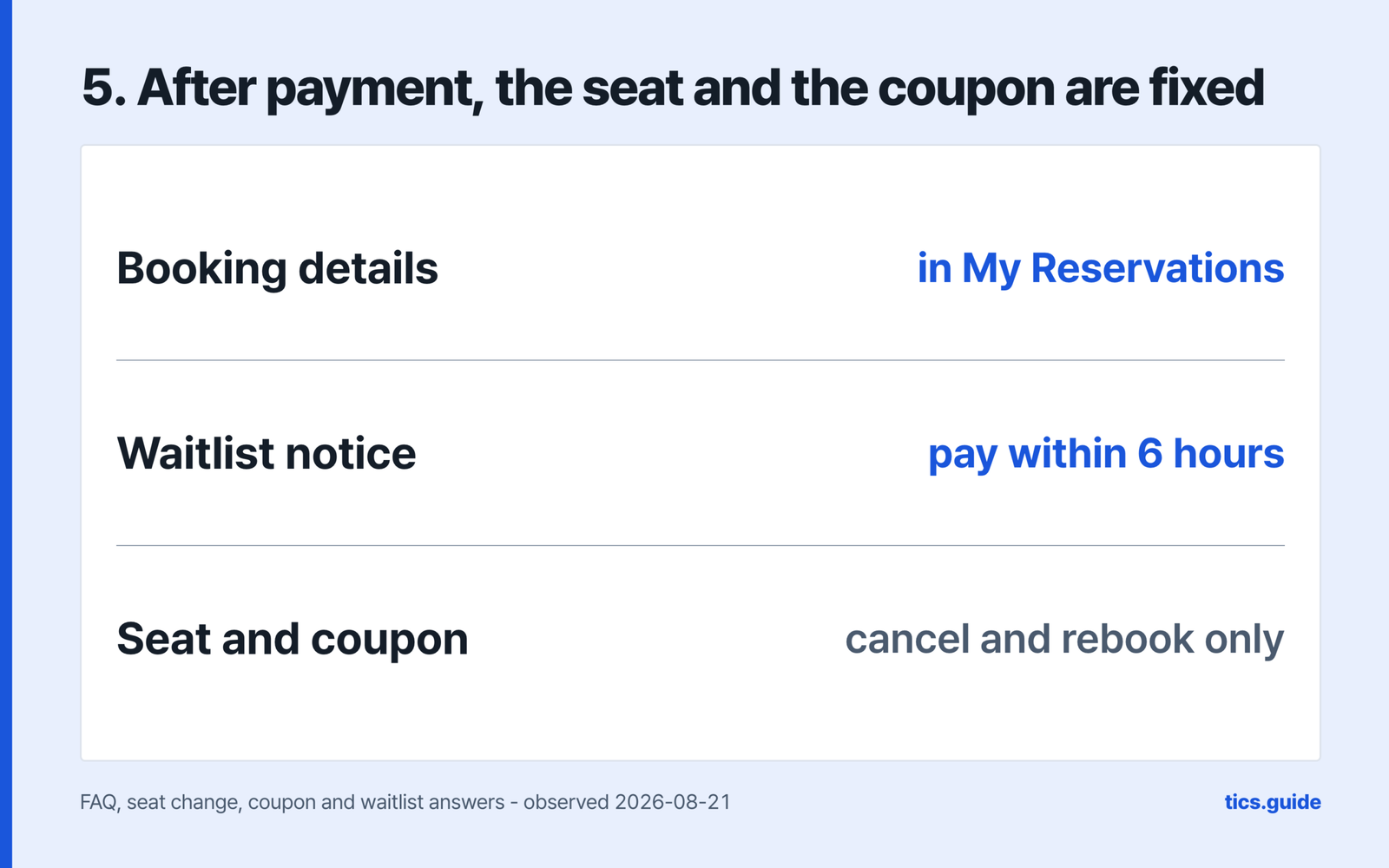
What each step gives you, and what it takes away – redrawn from the operator’s English FAQ and Use Policy, checked 2026-08-21
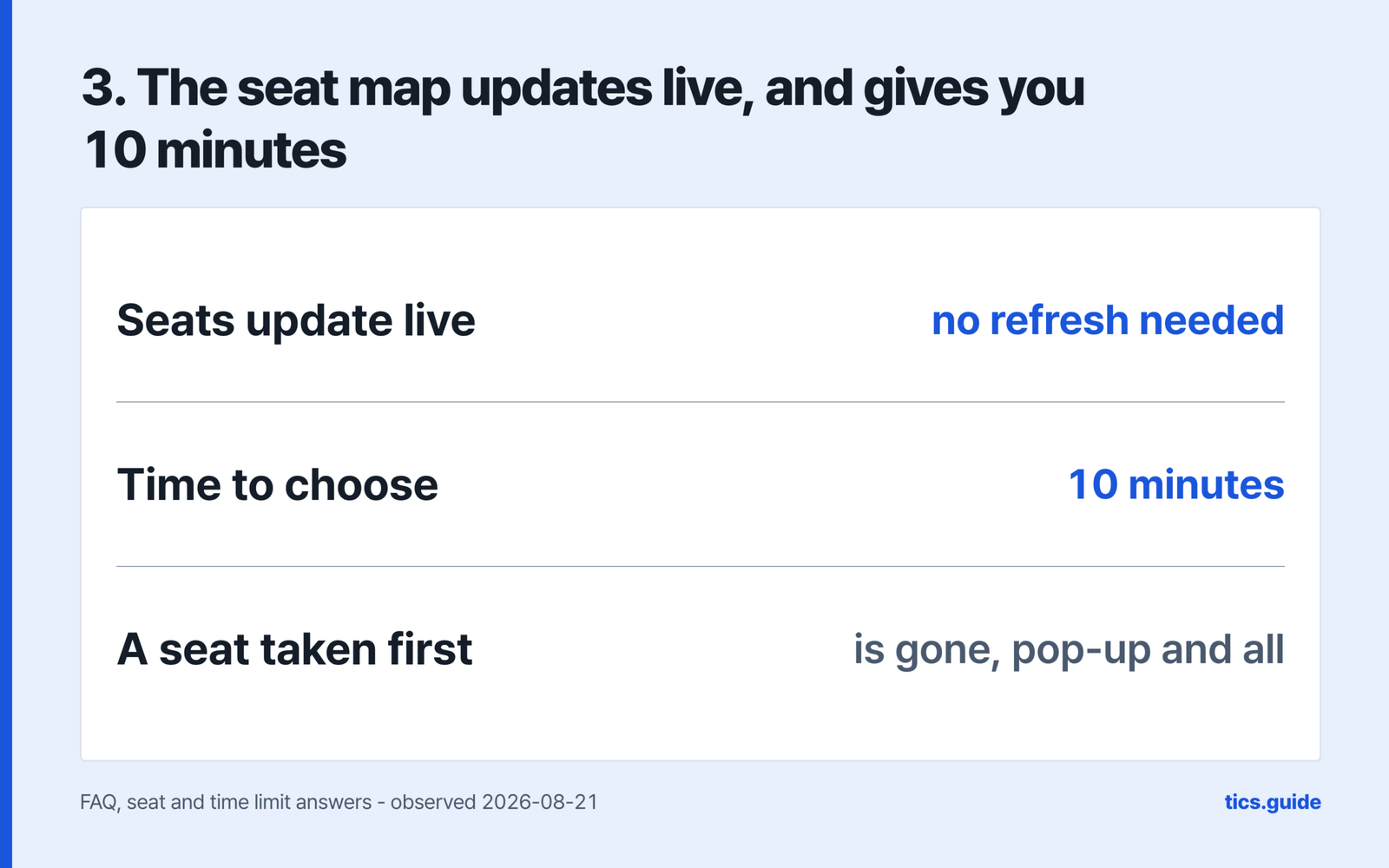
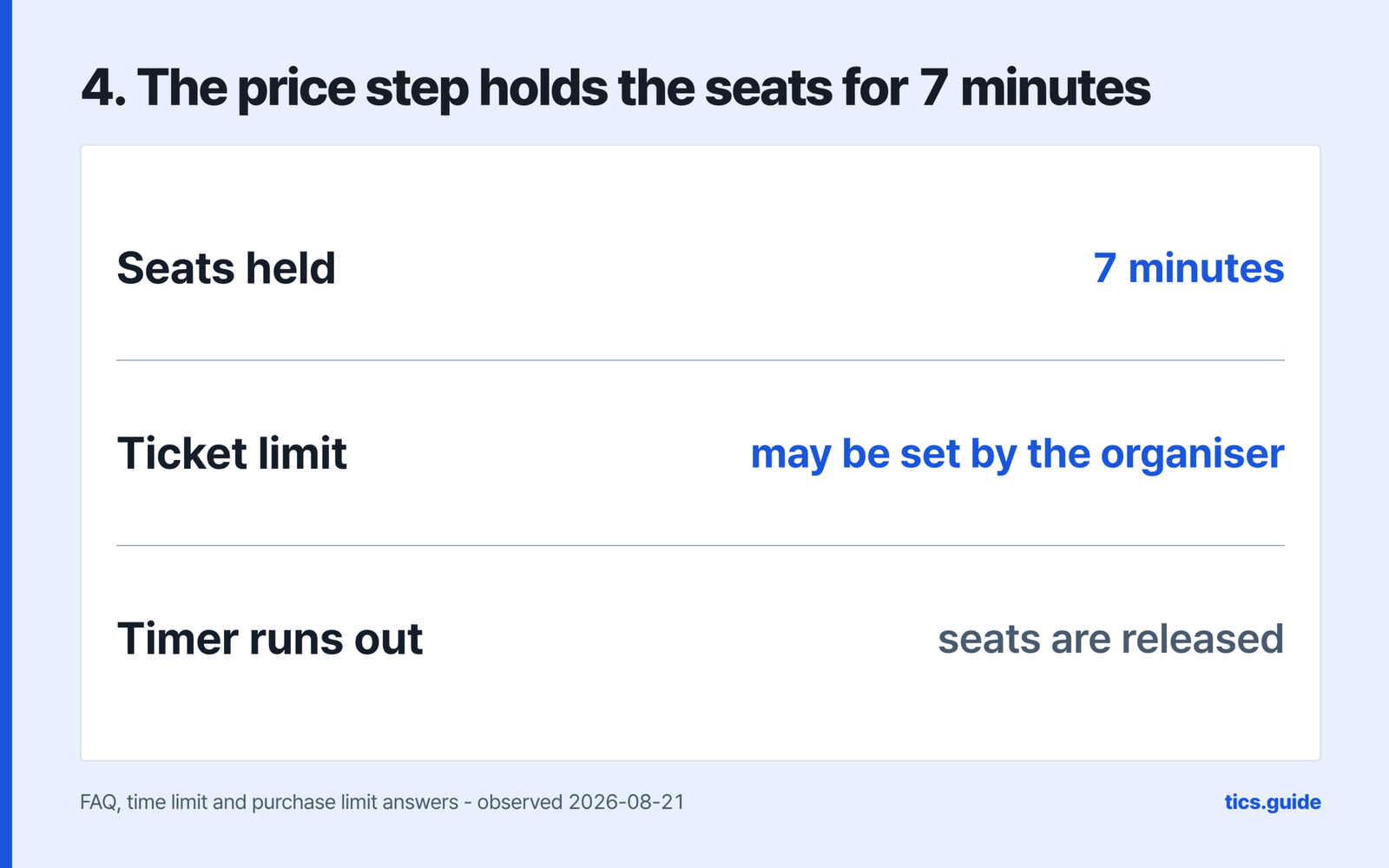
The seat map opens with a limit of 10 minutes. General admission, where there are no designated seats, carries the same 10 minutes before payment. Moving on to the price step holds your seats for 7 minutes while you pay, and missing that releases them automatically. NOL World adds that the limits vary by event and that some events have none.
What reviewers report at the payment step
- Six reviewers between 2026-01 and 2026-07, on the US storefront, describe the same moment: the payment step opens and the screen goes blank. A seventh, on GB in 2026-05, reports the same white screen without naming the step.
- Two of them mention the browser, and disagree: one in 2026-05 says it happened there as well as in the app, another in 2026-04 advises using the browser instead.
- We have not reproduced it, because a sale has to be live to try. The two documents this page opened – the FAQ and the Use Policy, read on 2026-08-21 – carry no answer for a blank payment step. The FAQ does prescribe a nearby fix for a booking window that will not open: a standard browser, updated, with the cache cleared, or the app updated.
The FAQ attaches that hold to the price selection step rather than to the payment screen – the seven minutes start when you leave the seat map. Nothing in the two documents this page opened says the hold pauses while a screen fails to draw.
Three things the event decides, not you
- How many tickets you may buy. An organiser’s limit applies per order or per member for each performance.
- Whether you can see what is left. The organiser decides whether remaining seat information is provided at all.
- Whether the timers apply at all. NOL World says the 10 and 7 minute limits vary by event, and some events have none.
What settles the moment you pay
Seat changes stop being possible once the reservation completes, and the route NOL World gives is to cancel the order and book again. Coupons behave the same way: a coupon cannot be applied after payment, and the route is to cancel the same seat and rebook. NOL World adds in the same answer that this can carry cancellation and rebooking fees under the show’s own fee policy.
Your booking details and seat number sit under My Reservations, on the booking detail page. Where a concert ticket was bought as part of a tour package or combined with another admission ticket, the seat number is given on-site instead.
If you were on the waitlist, the notification starts a six-hour clock. Payment not completed within six hours cancels the booking automatically, refunds it, and passes the opportunity to the next person in line.
How many tickets may I buy?
The organiser decides. NOL World says a limit may apply per order or per member for each performance, so the event details page is where the number is.
What happens if the seven-minute payment timer runs out?
The seats are released automatically and the booking starts again. The Use Policy separately allows a reservation to be cancelled where payment is not made within the period set for that product.
Where is my seat number?
Under My Reservations, on the booking detail page. Where the concert ticket came as part of a tour package or was combined with another admission ticket, the seat number is given on-site instead.
Interpark Global / NOL World, step by step
- The platform
- Identity check
- Queue and booking
- Cancel and refund
- Fee calculator
Sources
- NOL World, “FAQ” (checked 2026-08-21) – https://world.nol.com/en/my-info/faqs
- NOL World, “Use Policy”, effective 2026-07-28 (checked 2026-08-21) – https://world.nol.com/en/pages/use-policy.html
- App Store customer reviews for NOL World, collected 2026-08-21 from the GB, US, AU, MY and TW storefronts – https://itunes.apple.com/gb/rss/customerreviews/page=1/id=6476254427/sortby=mostrecent/json (substitute the two-letter storefront code for `gb`)
- App Store customer reviews for NOL World, TW storefront (collected 2026-08-21) – https://itunes.apple.com/tw/rss/customerreviews/page=1/id=6476254427/sortby=mostrecent/json
- App Store customer reviews for NOL World, US storefront (collected 2026-08-21) – https://itunes.apple.com/us/rss/customerreviews/page=1/id=6476254427/sortby=mostrecent/json